News Manager
Through the News Manager, you can publish news articles to your website, manage your published articles, and create and assign news filters.
News Articles
Adding a New Article
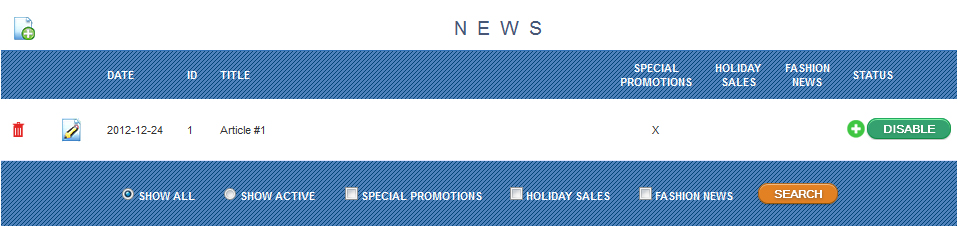
To add a new article, select the  icon. From this page, you can submit the article title, date, article body, meta information, status of the article, and any news filters you want associated with the article.
Editing an Article
To edit an article, select the  icon found next to the article you want to modify.
Uploading Images to Articles
To upload images to an article, you must first create the article. After creating the article, return to it by finding it in the article table and use the actions icon to edit it.
News Filters
Creating News Filters
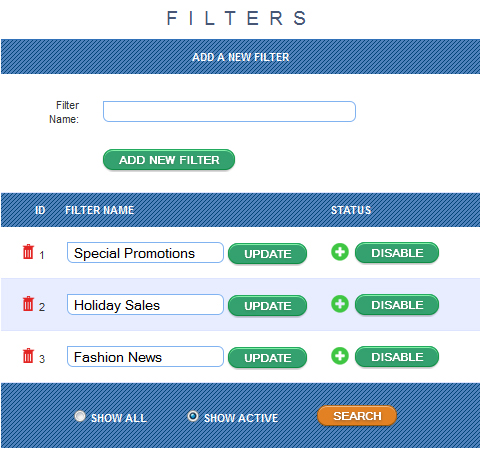
Your articles can have filters to help front end users find the type of news they are looking for. To add a new filter, use the table on the left called "FILTERS." You can rename them and disable/enable them at any time.
Assigning News Filters
To assign a news filter to an article, you must either publish a new article or edit the article you would like to add the filter too.